GitHub Actions AWS OIDC: match the actual subject
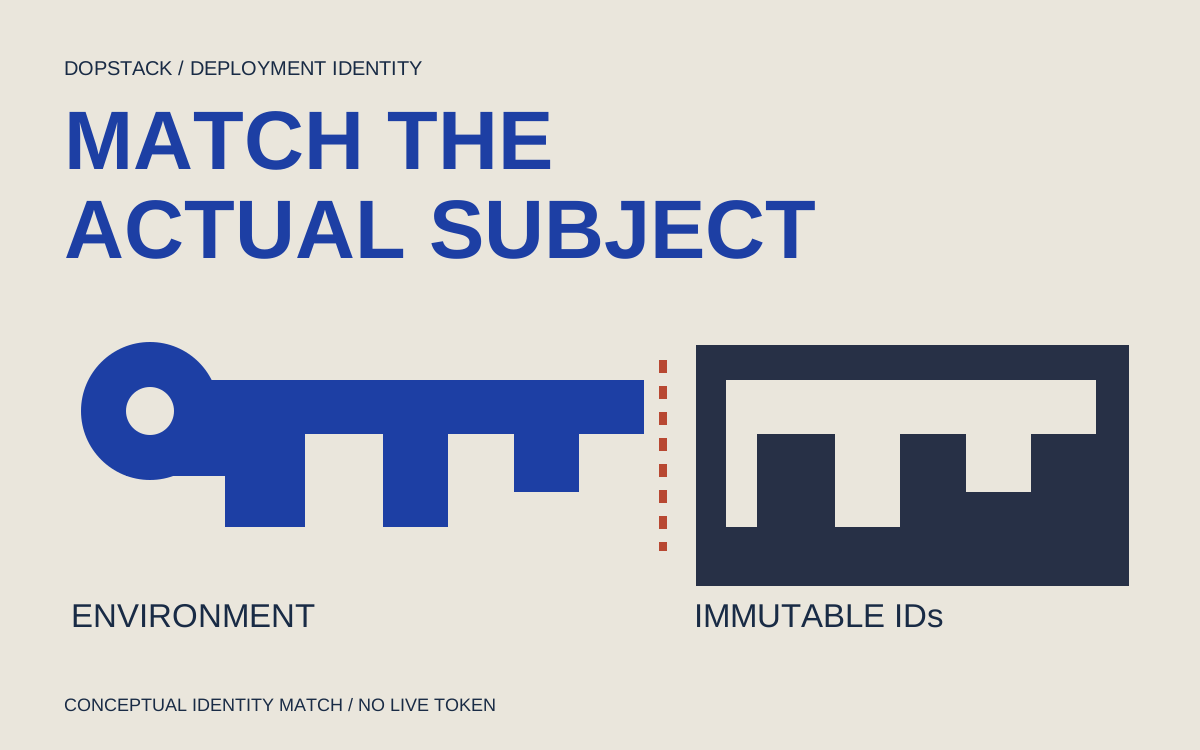
An environment changes the deployment identity. A renamed repository can change it again. Diagnose the token before changing the role.
Quick answer
For a GitHub Actions AWS OIDC failure, first establish whether the job can request a token, then compare its actual audience and subject with the role trust policy. Environment jobs use environment subjects, and some repositories include immutable IDs. After STS succeeds, verify the caller identity before investigating resource permissions.
On this page
Fix a GitHub Actions AWS OIDC denial by comparing the token the failing job actually requests with the role that receives it. Check token permission, audience, subject and account before changing deployment permissions. A job that references an environment has a different subject from a plain branch job; immutable repository IDs can change that string too. [1][2][3]
Scenario: an illustrative payments repository deploys from its main branch. A platform engineer adds a production environment so deployments can require review. The next run reaches the credentials step and receives a denial for sts:AssumeRoleWithWebIdentity. The deployment command has not run. More application permissions cannot make this token match the role’s trust policy.
Which request failed?#
Locate the earliest failed request: GitHub token issuance, the STS exchange, or a later AWS resource call. These are separate decisions. GitHub’s id-token: write permission lets a job request an OIDC token; it does not give that job permission to change AWS resources. AWS then decides whether the token may assume the specified role. The resulting role credentials have their own resource permissions. [1][3][6]
| Observed result | Investigate next | What it does not establish |
|---|---|---|
| Job cannot request an OIDC token | Effective job permissions and reusable-workflow caller configuration [2][3] | That the AWS role rejected a token |
| STS denies AssumeRoleWithWebIdentity | Provider, audience, exact subject and target role account [1][6] | That a broader resource policy would help |
| STS succeeds; deployment API denies access | Actual caller, resource policy and applicable AWS permission controls [5][6] | That OIDC trust is still broken |
Keep the failing run URL, commit and job name with the error. If a self-hosted runner already has AWS credentials, a successful command may be using those credentials instead of the intended OIDC role. The action documents credential-resolution options; inspect the selected path rather than assuming that a green credentials step proves the identity you wanted. [3]
How can you inspect claims without logging the token?#
Request a diagnostic token with the same audience as the credentials action and print only the claims needed for the comparison. GitHub documents both the request URL and the request credential supplied to an eligible job. The fragment below runs inside that job, before its AWS credential exchange. It must receive the job’s effective token permission. [2][3]
jobs:
  deploy:
    runs-on: ubuntu-latest
    environment: production
    permissions:
      contents: read
      id-token: write
    # Add the diagnostic step and your reviewed credentials step here.
The following Python fragment is diagnostic code, not an authentication verifier. Decoding a payload does not validate its signature, issuer or expiry. AWS performs the verification during the real exchange. Keep these logs restricted to the deployment’s operators, since repository and environment identifiers may still be sensitive. The bearer token itself must never be printed or uploaded. [2][3][6]
import base64
import json
import os
import urllib.parse
import urllib.request

request_url = os.environ["ACTIONS_ID_TOKEN_REQUEST_URL"]
parts = urllib.parse.urlsplit(request_url)
query = urllib.parse.parse_qsl(parts.query, keep_blank_values=True)
query = [(k, v) for k, v in query if k != "audience"]
query.append(("audience", "sts.amazonaws.com"))
url = urllib.parse.urlunsplit(parts._replace(
    query=urllib.parse.urlencode(query)))
request = urllib.request.Request(url, headers={
    "Authorization": "bearer " +
        os.environ["ACTIONS_ID_TOKEN_REQUEST_TOKEN"]
})
with urllib.request.urlopen(request, timeout=15) as response:
    token = json.load(response)["value"]
payload = token.split(".")[1]
claims = json.loads(base64.urlsafe_b64decode(
    payload + "=" * (-len(payload) % 4)))
keys = ("iss", "aud", "sub", "repository_id",
        "repository_owner_id", "environment", "ref")
print(json.dumps({k: claims.get(k) for k in keys}, indent=2))
Use the claims from the failing job context. Running a separate workflow on another branch or without its environment can produce a perfectly valid token that explains nothing about the failure. If the job never starts because environment approval is pending, resolve that deployment control first; there is no job token to inspect yet. [2][4]
Why does the old subject stop matching?#
An environment replaces the branch-shaped context in the default subject. GitHub’s examples show an environment suffix for a job that references an environment. Do not construct a string containing both a branch suffix and an environment suffix just because the deployment has both properties. Custom subject templates are another possibility, so inspect the actual string. [1][2]
Scenario: the old trust expected the main-branch subject. After the workflow names production, the job uses the environment form shown below. If this illustrative repository emits immutable subjects, its identity also includes owner and repository IDs before the environment suffix. Those example names and IDs are placeholders, not a token captured from a real deployment.
The current reference documents immutable subjects for repositories created after July 15, 2026, older repositories that opt in, and repository renames or transfers after that date. It excludes GitHub Enterprise Server from this rollout. Do not infer a repository’s format solely from its apparent age; use the token and its OIDC settings. Metadata containing a colon is encoded in the subject as %3A. [2]
# Illustrative identities; replace names and IDs with observed values.
# Legacy branch:
repo:acme/payments:ref:refs/heads/main
# Legacy environment:
repo:acme/payments:environment:production
# Immutable environment:
repo:acme@123456/payments@789012:environment:production
Compare the emitted subject byte for byte with the policy, including its environment suffix and numeric IDs. Retrying the exchange cannot repair that mismatch. Correct the configuration before another attempt.
Repair the identity match and preserve the deployment boundary#
For an intentionally environment-scoped deployment, update the role’s trust to the exact intended environment identity. Check the OIDC provider ARN is in the target account and keep the expected audience. The following complete policy is an illustrative commercial-AWS example using immutable IDs. It must be adapted to the actual repository and account; it is not a blanket template for every AWS partition. [1][2][6]
{
  "Version": "2012-10-17",
  "Statement": [{
    "Effect": "Allow",
    "Principal": {
      "Federated": "arn:aws:iam::111122223333:oidc-provider/token.actions.githubusercontent.com"
    },
    "Action": "sts:AssumeRoleWithWebIdentity",
    "Condition": {
      "StringEquals": {
        "token.actions.githubusercontent.com:aud": "sts.amazonaws.com",
        "token.actions.githubusercontent.com:sub": "repo:acme@123456/payments@789012:environment:production"
      }
    }
  }]
}
An environment subject identifies that environment; it does not preserve the branch restriction previously encoded by a branch subject. Configure the environment’s deployment branch and tag rules, and any required reviewers available on your plan, to reflect the intended release process. A workflow trigger that currently names main is useful context, but it is not the same control as protecting the environment against another workflow. [1][4]
If the organization intentionally uses a customized subject template, reconcile it with the cloud trust before changing either side. The reference documents the customization controls. Adding an unverified claim name to IAM because it appears in a JWT is not a reliable shortcut; use the provider’s documented condition support for the design you choose. [2][6]
What evidence closes the incident?#
Test the approved deployment and an identity the role must reject. Keep both results. After the exchange, inspect the caller with aws sts get-caller-identity and compare its account and assumed-role ARN with the deployment record. AWS documents that this identity operation needs no additional permission, so it is a useful check before a resource action. [5]
aws sts get-caller-identity --query '{Account:Account,Arn:Arn}' --output json- Record the intended environment run, observed subject, target provider and caller ARN. Redact only what your operators do not need; keep the raw token out of the record.
- In an isolated verification workflow, exercise an identity outside the intended scope and require STS rejection. Do not test by granting it production authority.
- Verify that an unwanted branch cannot start the protected production job under the configured environment rules. [4]
- Only then test the minimum deployment API operation needed for the release. A later resource denial starts a permissions investigation, not another subject rewrite.
This example has not been run in a GitHub repository or AWS account. Its acceptance observations are a test plan. Recheck current OIDC documentation when identity templates, repository ownership or action configuration changes. The broader GitHub Actions hardening plan covers dependency and trigger risks; Terraform lock recovery addresses a different deployment failure after identity is already established.
Questions that change the repair#
- Does id-token: write give the workflow AWS write access?
- No. It permits the job to request a GitHub OIDC token. AWS role trust controls whether that token can assume a role, and the role’s applicable permission policies determine subsequent resource access. Diagnose these boundaries separately. [1][3][6]
- Should an environment subject contain the branch too?
- The default environment subject uses the environment context rather than the branch suffix. Do not concatenate both forms. If your organization customized the subject template, compare the actual emitted value with the documented template and your role trust. [1][2]
- Why does the subject now contain numeric IDs?
- GitHub documents an immutable format that includes owner and repository IDs. The rollout covers newly created repositories and specified opt-in, rename and transfer cases. It does not include GitHub Enterprise Server. Inspect the actual job rather than copying a legacy example. [2]
- Can I use a wildcard while debugging?
- A wildcard can authorize identities outside the intended deployment path. Prefer comparing the actual token with the exact intended identity. If multiple identities are a real requirement, design and review that scope explicitly and include a denied-path test before accepting it. [6]