GitHub Actions cache misses: trace keys, paths and scope
A green workflow does not prove a cache was saved, and a restored cache does not prove the primary key matched.
Quick answer
Debug a GitHub Actions cache miss by recording the resolved key, cached paths, cache version and branch scope. Distinguish an exact hit from a fallback restore, then inspect whether a successful run actually saved a new entry. Keep dependency installation correct on a cold runner; caching should improve speed without becoming a correctness requirement.
On this page
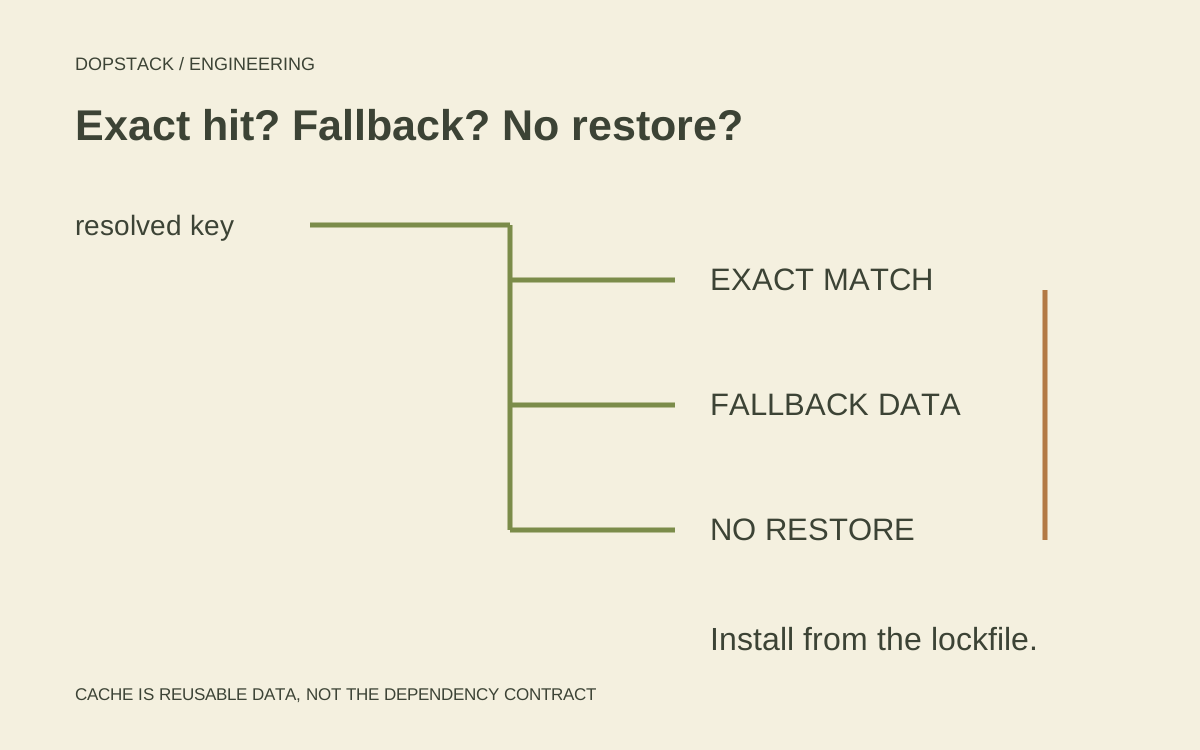
Diagnose a GitHub Actions cache miss by recording the resolved key, path, cache version and branch scope. Then distinguish an exact hit, a fallback restore and no restore. A green job does not prove that the requested cache was found or that a new entry was saved. [1][3]
A restored archive can still be the wrong answer#
Consider an illustrative Node build. A developer changes the lockfile, the workflow restores a cache, and dependency installation still downloads packages. That is not necessarily a broken cache. A broad restore key may have found older reusable data while the new lockfile requires additional packages. The installation step is doing the correctness work; the restored archive is only helping it.
# Illustrative steps. Select compatible runners and reviewed action pins.
# Configure the required Node/npm version before these steps.
- uses: actions/checkout@v6
- name: Locate npm download cache
  id: npm-cache
  run: echo "path=$(npm config get cache)" >> "$GITHUB_OUTPUT"
- uses: actions/cache@v6
  id: deps
  with:
    path: ${{ steps.npm-cache.outputs.path }}
    key: ${{ runner.os }}-npm-${{ hashFiles('package-lock.json') }}
    restore-keys: |
      ${{ runner.os }}-npm-
- name: Install from the committed lockfile
  run: npm ci
- name: Record exact-match status
  env:
    CACHE_HIT: ${{ steps.deps.outputs.cache-hit }}
  run: printf 'exact primary-key match: %s\n' "$CACHE_HIT"
This fragment caches npm’s download data and still performs installation. It assumes a root-level lockfile and a project with the required package metadata; adapt the path and toolchain for a monorepo. The major action tags make the example readable, not immutable. In a production workflow, review the current action’s runner requirements and pin approved full commit SHAs according to your supply-chain policy. [3]
The useful boundary is visible: the lockfile participates in the primary key, a broader prefix permits fallback reuse, and installation still resolves the declared dependency tree. Do not copy the exact key into every ecosystem. A compiled cache can also depend on architecture, compiler or runtime choices that a download cache does not encode in the same way.
| cache-hit output | Interpretation | What still needs checking |
|---|---|---|
| true | Exact primary-key match | Path is correct and install uses the data |
| false | Restored without an exact primary-key match | Which fallback matched; required downloads |
| Empty | No cache restored | Scope, version, key and later save outcome |
The action reference documents these output distinctions. Avoid a loose condition that treats the non-empty string false as proof of an exact hit. More fundamentally, do not skip the dependency contract merely because an archive was available. If you deliberately implement a cache-only build, name that stronger availability dependency and provide a recovery path. [3]
Did the primary key match or did a fallback restore?#
GitHub documents exact and partial matching with ordered restore keys. An existing cache entry is not edited in place; a new key creates a new entry. Diagnose the resolved values used by the run, not just the expressions visible in the workflow file. [1]
Record the resolved primary key, fallback keys, requested path and relevant runner context. If a lockfile hash participates, verify the file existed when the key was evaluated. Preserve an example from the failing run before changing the workflow so the fix can be compared against an actual lookup.
| Observation | Question | Evidence to collect |
|---|---|---|
| No restore | Did a compatible entry exist in scope? | Resolved key, version and branch |
| Fallback restore | Was the primary key different? | Matched fallback and install result |
| Restored but installation is slow | Did the package manager use those files? | Actual cache location and download log |
| No new entry after success | Was saving permitted and did data exist? | Save step outcome and path contents |
| Warm works; cold fails | Is the cache hiding a missing input? | Clean-run failure and dependency contract |
Are the cached paths the ones the tool uses?#
Follow the dependency tool rather than the action name. Identify where the tool stores reusable downloads and whether that path exists at save time. Compare that with the requested path. A valid cache key does not help if the archive contains the wrong directory or the tool reads somewhere else.
Separate downloaded dependencies from a fully materialized installation. Decide which representation your package manager can safely reuse under its supported workflow. Avoid skipping dependency resolution merely because some files were restored. The required install behavior should remain explicit, repeatable and appropriate to the lockfile.
What should you compare between two runs?#
Keep one compact lookup record per failing run: resolved primary key, restore prefixes, effective cache path, operating system and architecture, branch or pull-request context, and the restore action result. Compare those records before editing the YAML. The expression hashFiles(...) is not the resolved hash, and a path that exists locally is not proof it existed on that runner at save time.
Conceptual illustration
Follow lookup and save as separate paths
Exact key
Restore matching data
Fallback key
Restore older compatible data
No entry
Acquire dependencies normally
After the job
Inspect whether a new entry was saved
Then read the save outcome independently. A run may restore data but be unable to save in its trust context. Another may have an exact hit and no reason to create a replacement because entries are immutable. A third may finish successfully while the requested directory never contained useful files. None of those cases can be diagnosed from the final green check alone. [1][3]
For a monorepo, write down which lockfiles belong to which installation. Hashing every lockfile into one key is simple but makes unrelated package changes invalidate shared data. Hashing too little can omit a dependency input. Decide whether a shared download cache or several package-specific caches fit the actual package manager and ownership model. Then test a dependency change in only one package.
Could scope or save behavior explain the miss?#
The action documentation scopes caches by key, version and branch and describes default-branch availability. The reference also describes restrictions on which branches can restore entries. A cache visible in one execution context is not evidence that every sibling or tag-triggered run can restore it. [1][3]
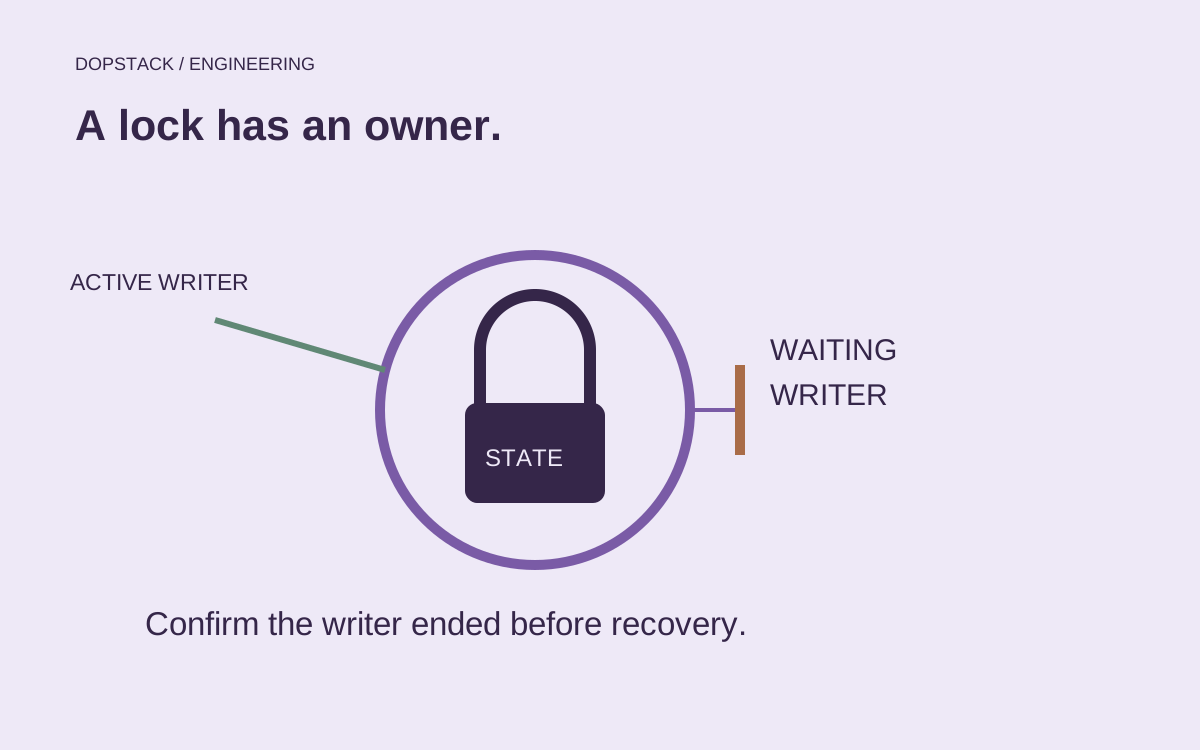
Check the save step independently from the rest of the job. Read warnings and whether the target path contained useful data. If a run had restore access but lacked write access, making the build green does not establish a reusable cache was created. Confirm the behavior against the current action version and trigger policy.
Do not widen trust merely to improve a cache hit rate. GitHub warns that poisoned cache contents can lead to execution in trusted workflows. Keep sensitive material out of caches and treat restored content according to its trust context. Performance tuning should not become an accidental permission change. [2]
What should a reliable cache test demonstrate?#
- Run coldVerify that dependency acquisition and the build work without a pre-existing entry. Record the necessary inputs and external availability assumptions.
- Repeat unchangedCheck which key matched and whether the dependency tool actually reused the restored representation. Measure the relevant step if claiming a performance result.
- Change a dependency inputConfirm that the key and installation behavior respond as intended. A dependency change must not be hidden behind a broad restore rule.
- Change application source onlyVerify that unrelated source edits do not unnecessarily change a dependency cache key. Preserve the underlying build’s own invalidation rules.
- Inspect the save resultConfirm that a reusable entry was created where intended, rather than inferring it from the job’s final status.
Use artifacts for deliverables and logs that need to be retained after the run; use caching for reusable data that can be regenerated. GitHub describes those as different use cases. Our acceptance criterion is that cache availability changes performance, while the dependency contract still determines the result. [2]
Keep the optimization optional#
Finish with three controlled comparisons: an unchanged repeat run, a lockfile change and a source-only change. Keep the runner and dependency toolchain comparable, inspect the matched key and measure the relevant step if you intend to claim a speed improvement. Record a cache-free success too. Otherwise a convenient archive can conceal an undeclared network, tool or generated-file dependency.
Treat unexpectedly executable cached content as a trust question. Keep secrets out of cached directories and do not widen permissions just to raise the hit rate. A faster workflow that imports untrusted executable state into a privileged job is a different system, not a successful tuning change. The related GitHub Actions hardening guide covers that delivery boundary.
Dependency cache questions#
- Can I update an existing cache entry with new files?
- GitHub documents cache entries as immutable: create a new cache with a new key instead. Design keys around the inputs that make cached contents compatible, and inspect the actual save outcome. [1]
- Does a restored cache mean the primary key matched?
- Not necessarily. A fallback restore may have supplied the files. Inspect the matched key and the action’s documented output behavior so the workflow does not confuse reuse of older compatible data with an exact hit. [1][3]
- Can every branch use every cache?
- No. Matching includes scope restrictions. Check the branch or tag context and cache version in addition to the visible key. A successful restore in one run does not establish availability in another. [1][3]
- Should the build fail when no cache is available?
- Ordinary dependency caching should retain a working acquisition path without an existing cache. A deliberately cache-only workflow is a separate design decision with different recovery requirements; make that contract explicit rather than discovering it accidentally. [2]