Kubernetes rollout timeout: watch the intended revision
Tie rollout observation to a Deployment UID, generation and intended revision; distinguish a client watch timeout from controller failure and from a later release succeeding.
Quick answer
When a Kubernetes rollout times out, identify whether the client stopped watching or the Deployment controller reported stalled progress. Capture the intended Deployment and revision before retrying: an unpinned `kubectl rollout status` can follow a newer rollout. `ProgressDeadlineExceeded` records a condition; it does not automatically roll back the workload. Your delivery process must decide what to do next.
On this page
When a Kubernetes rollout times out, identify whether the client stopped watching or the Deployment controller reported stalled progress. Capture the intended Deployment and revision before retrying: an unpinned kubectl rollout status can follow a newer rollout. ProgressDeadlineExceeded records a condition; it does not automatically roll back the workload. Your delivery process must decide what to do next. [1] [2]
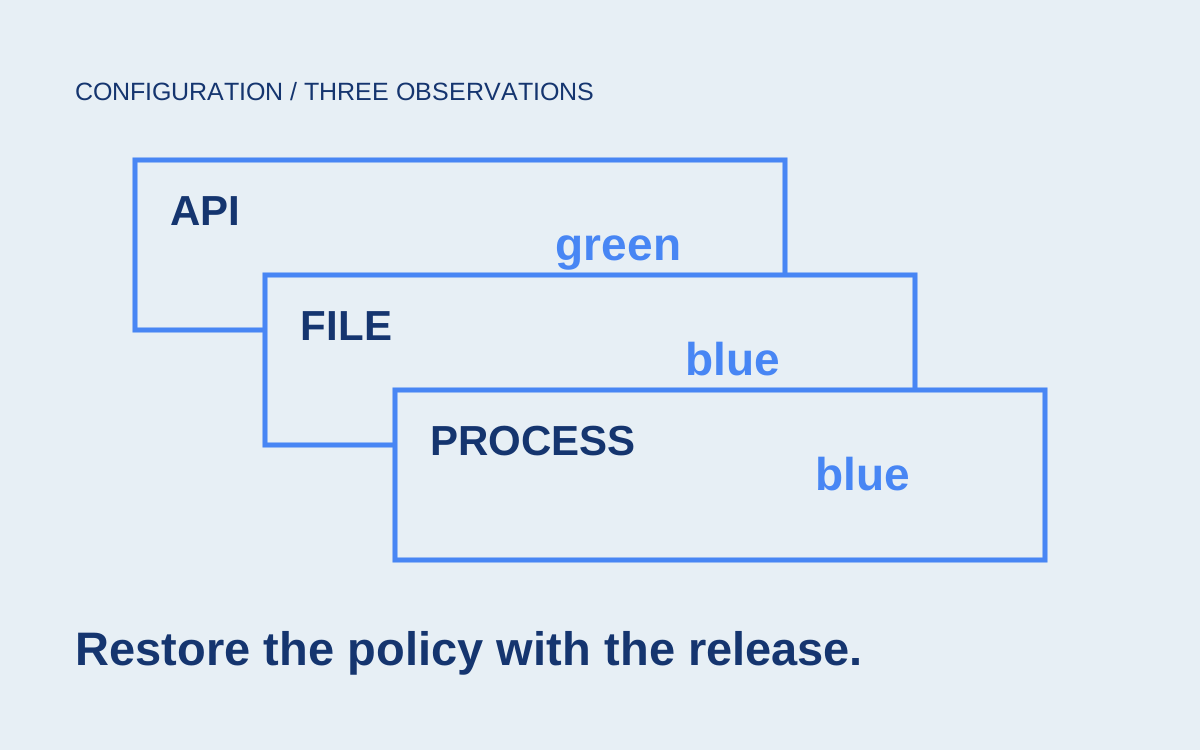
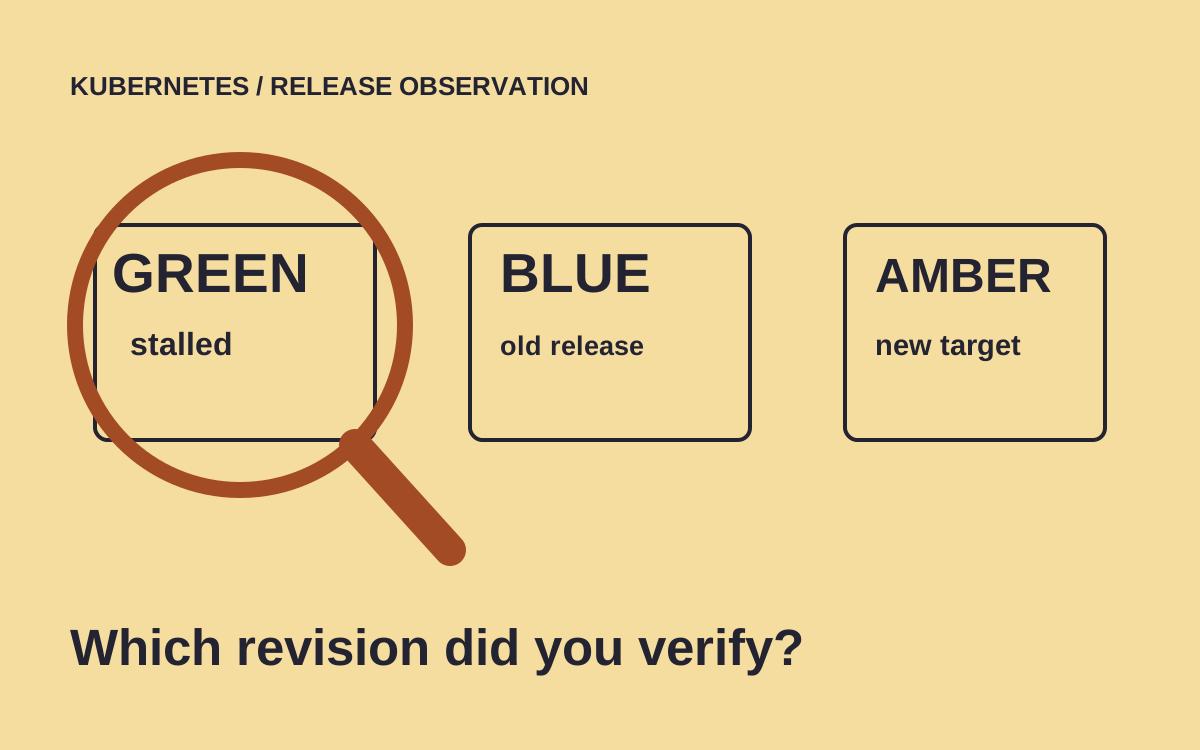
Scenario: an invoice service has a working blue release and a proposed green release. Green's Pods cannot become available, but blue still handles requests. The delivery job reports a timeout. An operator starts a corrected amber release while the original job is still watching. That job eventually prints success. Which release did it verify?
The release record matters even when the old Pods kept handling requests. A release record that certifies the wrong artifact can mislead the next rollback, audit or incident investigation. This guide follows the observation itself: identify the object and intended revision, establish which clock expired, inspect the matching ReplicaSet, and hand an explicit decision to the release owner. Pod-level repairs belong to the evidence that investigation discovers.
What actually timed out?#
A watch timeout and a controller progress deadline answer different questions. The watch timeout limits how long the command waits. The Deployment's progress deadline governs when the controller reports that its rollout has stopped progressing. A failed client command alone does not prove the controller has reached that condition. [1] [2]
Read the command line from the failed job before changing configuration. Was it kubectl rollout status, a Helm command, a GitOps controller, or an external pipeline step? Keep the complete error and timestamp. A pipeline can also terminate a process before that process reaches its own timeout. Increasing a Deployment field cannot repair that outer deadline.
For a plain Deployment investigation, these commands are illustrative read-only starting points. Replace the namespace and name with the actual workload. The output should be saved with the failed delivery record rather than pasted into an unrelated ticket.
kubectl -n billing get deployment invoice-api -o json \
  > deployment-observation.json
kubectl -n billing describe deployment invoice-api
kubectl -n billing rollout history deployment/invoice-api
Look at Progressing, Available and ReplicaFailure separately. A Deployment can have enough old capacity available while the new release is stalled. Conversely, a successful rollout does not establish that the application produces correct invoices. Deployment availability and business acceptance are separate checks. The Deployment documentation describes the controller's conditions and rollout completion criteria. [1]
Label the saved observation: the client stopped waiting; the controller reported a stall; a deliberate pause is active; or the evidence is still inconclusive. Do not collapse them into one generic failed-deployment status. An inconclusive observation should remain inconclusive until the missing evidence arrives.
Capture the identity before watching#
The release record should identify the object instance and the intended change. Namespace and name locate the Deployment, while its UID distinguishes that instance from an object deleted and recreated under the same name. Kubernetes documents the UID as unique across object history. [4]
Record the UID, submitted artifact identity, Deployment generation, revision annotation and observation time. The generation and revision serve different purposes: the former tracks changes to desired object state, while the latter helps identify rollout history. Neither should substitute for the image digest and configuration identities your delivery system intended to release. [1]
This is our proposed observation record, with illustrative labels. It is an internal record design, not a Kubernetes API object. Its acceptance policy must be implemented in the delivery system that owns releases.
{
  "workload": "billing/invoice-api",
  "deploymentUid": "captured-from-api",
  "submittedArtifact": "approved-image-digest",
  "generation": "captured-after-submission",
  "intendedRevision": "captured-for-this-change",
  "observerResult": "not-yet-established",
  "decisionOwner": "billing-release-on-call"
}
Read these values from the actual submitted change and API response. A script that simply reads the current revision after an arbitrary delay can capture another operator's rollout. Serializing submissions for the workload, or explicitly reconciling concurrent submissions, is part of the delivery design. A label copied from a CI variable is only an assertion until it is connected to observed state.
The same issue applies to a name reused after deletion. If the recorded UID no longer matches, stop interpreting the old observation as evidence about the new object. Investigate the replacement and start a new observation record. Carrying an old success forward because the name matches would erase the very distinction the UID provides.
Can another rollout change the answer?#
Yes. By default, kubectl rollout status watches the latest rollout and switches to a newer revision if another rollout starts. Its --revision option pins observation and aborts if that revision is superseded. The command reference documents this behavior directly. [2]
Once the release process has established the intended revision, pin the watch to that value. The following shell fragment refuses an empty value but assumes the calling process has already verified its origin. It does not solve concurrent submission by itself.
: "${INTENDED_REVISION:?set from this release record}"
kubectl -n billing rollout status deployment/invoice-api \
  --revision="$INTENDED_REVISION" \
  --timeout=8m
Scenario: the original green watch is still open when amber starts. An unpinned observer may finish successfully for amber. The pinned observer instead reports that its intended revision was superseded. Green's release record must then say superseded, even if amber later becomes healthy. This is a useful outcome: it prevents unrelated success from repairing the history of a failed attempt.
Choose the watch duration from the release budget and observed startup behavior. Treat the duration above as an example, not a recommended universal value. A longer wait costs operator and pipeline time; a shorter wait can leave the result unresolved while the controller continues working. Neither choice creates additional cluster capacity or fixes a failed readiness condition.
| Observation | What it establishes | Next evidence |
|---|---|---|
| Watch ends before a controller failure is observed | The observer stopped waiting | Current conditions and matching ReplicaSet |
| Intended revision is superseded | A later change replaced the watched target | Separate record for the newer change |
| Controller reports stalled progress | Progress failed its controller check | ReplicaSet creation and Pod events |
| Intended rollout completes | Controller rollout criteria passed | Artifact identity and application acceptance |
Follow the stalled revision into its ReplicaSet#
Inspect the ReplicaSet associated with the intended rollout, then the Pods it owns. Sorting by creation time is a useful discovery aid, but ownership and template evidence should determine which object belongs to the release. Another rollout may have created something newer while you were investigating. [1]
If no intended Pod exists, inspect the ReplicaSet's events and creation errors. If a Pod exists, inspect its state, container statuses, recent events and relevant logs. The Kubernetes debugging guide starts with current Pod state and events because these narrow the failure branch before a repair is chosen. [3]
kubectl -n billing get replicasets -o wide
kubectl -n billing describe replicaset MATCHED_REPLICASET
kubectl -n billing get pods -o wide
kubectl -n billing describe pod MATCHED_POD
kubectl -n billing logs MATCHED_POD -c APPLICATION_CONTAINER
The uppercase names are placeholders. Do not choose a Pod only because it has the expected application label; old and new revisions can share that label. Inspect owner references and the ReplicaSet template. Include the relevant container name when sidecars make an unqualified log command ambiguous.
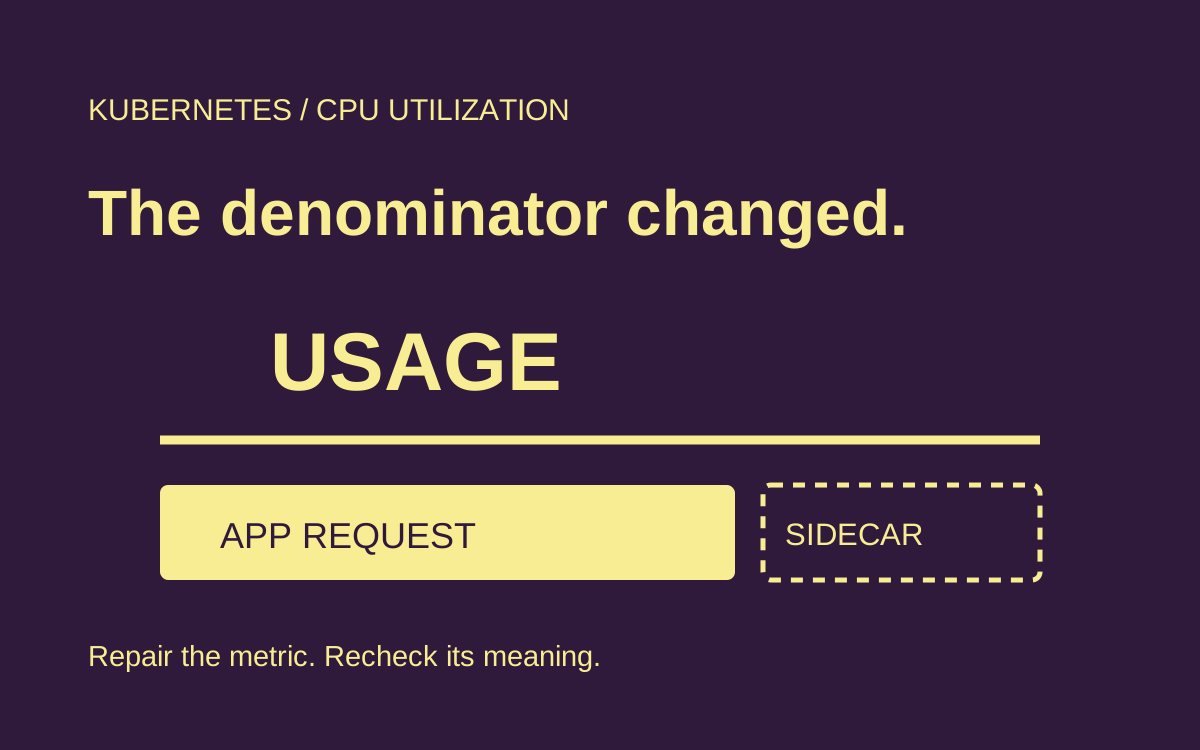
A failed creation event suggests a different investigation from a running container that never becomes ready. Follow the specific finding into image-pull diagnosis, CPU fit, or application readiness as appropriate. Increasing the progress deadline before collecting these observations merely postpones the same unresolved decision.
Preserve the evidence that justified intervention. If an operator changes the workload first and investigates later, the interesting Pod or ReplicaSet may already be replaced. The saved record need not contain every log line; it needs enough identity, state and error context to explain why the chosen action was reasonable.
Who repairs, holds or rolls back?#
Assign the stalled release to an owner who can choose repair, hold or rollback. Kubernetes reports a stalled Deployment without taking corrective action beyond its condition. A higher-level system may implement rollback, but that behavior belongs to that system and needs its own evidence. [1]
For the invoice scenario, the owner can repair the blocked prerequisite and continue observing the intended release, hold the attempt while preserving working capacity, or restore an approved earlier revision. The correct branch depends on the failure and on application compatibility. A broken credential mount and an incompatible data migration should not share an automatic response merely because both surface as a timeout.
kubectl rollout undo restores an earlier rollout. Review the history and choose the intended target explicitly when the immediately preceding revision is not the approved recovery point. After undo, observe the recovery as a new operation; the existence of an accepted command does not prove the restored workload is available. [6]
A deliberate pause also needs an owner and expiry or follow-up condition. Kubernetes does not evaluate the progress deadline while the Deployment is paused, and paused changes are applied together when it resumes. A dashboard that only alerts on a deadline failure can therefore miss an unfinished paused release. [1] [5]
How do you prove the intended release is serving?#
Verify both controller state and the application's intended behavior. The release record should show that the intended object still exists, the expected artifact is in the serving workload, the relevant rollout completed, and application checks passed. A status message alone cannot establish the last part. [1]
Scenario: the invoice acceptance test sends a harmless synthetic request through the real service route and checks the expected policy revision in the response or approved diagnostic channel. It also verifies that old compatibility assumptions still hold. This is a proposed test, not a reported deployment or customer result.
Rehearse the observer with deliberately different outcomes in a disposable environment: a healthy release, a stuck release, a client watch that ends early, and a second submission that supersedes the first. Check the saved record after each case. The essential assertion is that no case can mark the wrong intended revision successful.
This article's commands were reviewed against the primary references; no Kubernetes cluster rollout was executed for it. The record and observer branch logic can be checked with synthetic API snapshots, but that cannot establish real scheduling, readiness, traffic routing or rollback behavior. Keep those environment tests in the release acceptance procedure.
- Does ProgressDeadlineExceeded automatically roll back?
- The Deployment controller reports stalled progress through a condition. It does not automatically restore an earlier revision. A delivery platform may add rollback behavior, so inspect that platform's policy and action record before attributing recovery to Kubernetes itself. [1]
- Should I increase progressDeadlineSeconds?
- Increase it when evidence shows the workload legitimately needs more time to progress. First inspect the intended ReplicaSet and Pods. A longer deadline cannot fix an image pull failure, rejected creation request or incorrect readiness condition. [1] [3]
- Why did rollout status succeed after another deployment?
- An unpinned rollout watch follows the latest revision when a newer rollout begins. Pin it with the documented revision option when the result must certify a particular release, and record supersession separately from success. [2]
- Does rollback restore every configuration dependency?
- A rollout undo operates on rollout history; it is not a complete application recovery plan. Review external configuration and data compatibility separately, and verify the intended image and configuration identities after recovery. Retained configuration requires its own release design. [1] [6]